Business and account
The Business and Account groups in Settings: your name and look, the email customers get from you, your plan, and the devices that stay signed in.
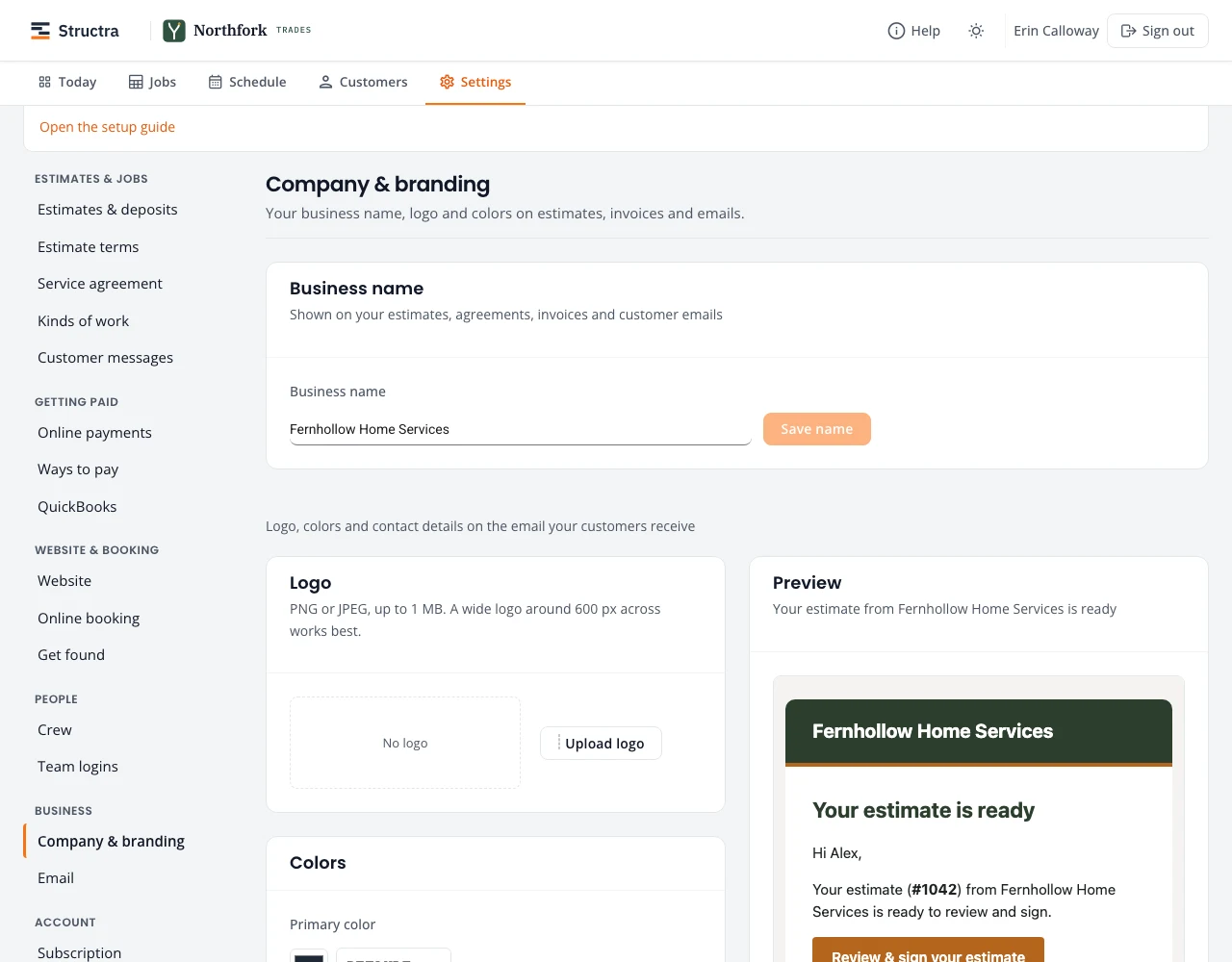
Company & branding
- Business name: on estimates, agreements, invoices and customer emails. Press Save name.
- Logo: PNG or JPEG, up to 1 MB. A wide logo about 600 px across works best.
- Colors: the primary color for header bands and buttons, the accent for links.
- Business details: legal name, phone, contact email, website and mailing address, printed in the footer of customer emails.
- Letterhead for agreements: logo position, which contact lines show, colors and font. Import from Word reads the header of a Word document you already use and fills these in for you to check; nothing is saved until you press Save.
The preview on the right shows the email your customers receive.
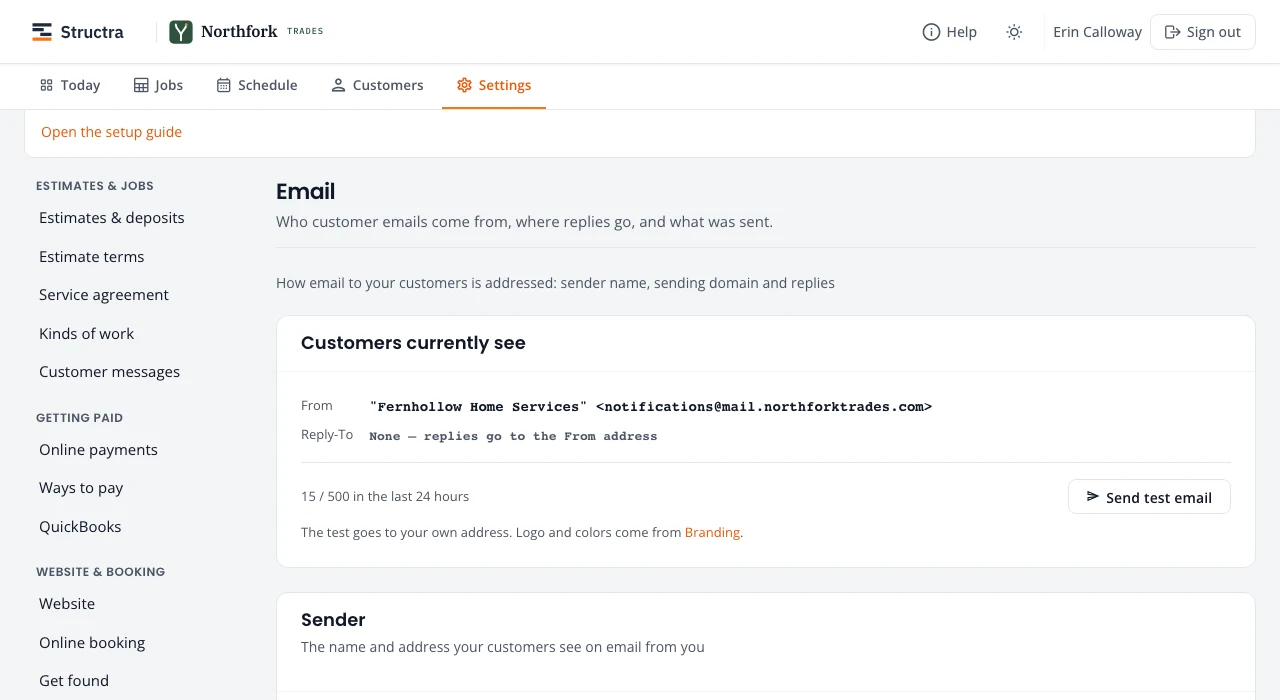
Customers currently see shows the From and Reply-To on every email you send, and how many went out in the last day. Send test email sends one to you.
- From name: blank uses your business name.
- Reply-To: where customer replies go, such as your office inbox.
- Sending domain: send from your own address (for example office@yourcompany.com). Add the domain, then the records it shows at your domain provider; until it is verified, mail comes from the Northfork Trades address with your business name.
- Recent sends lists the emails that went out.
Subscription
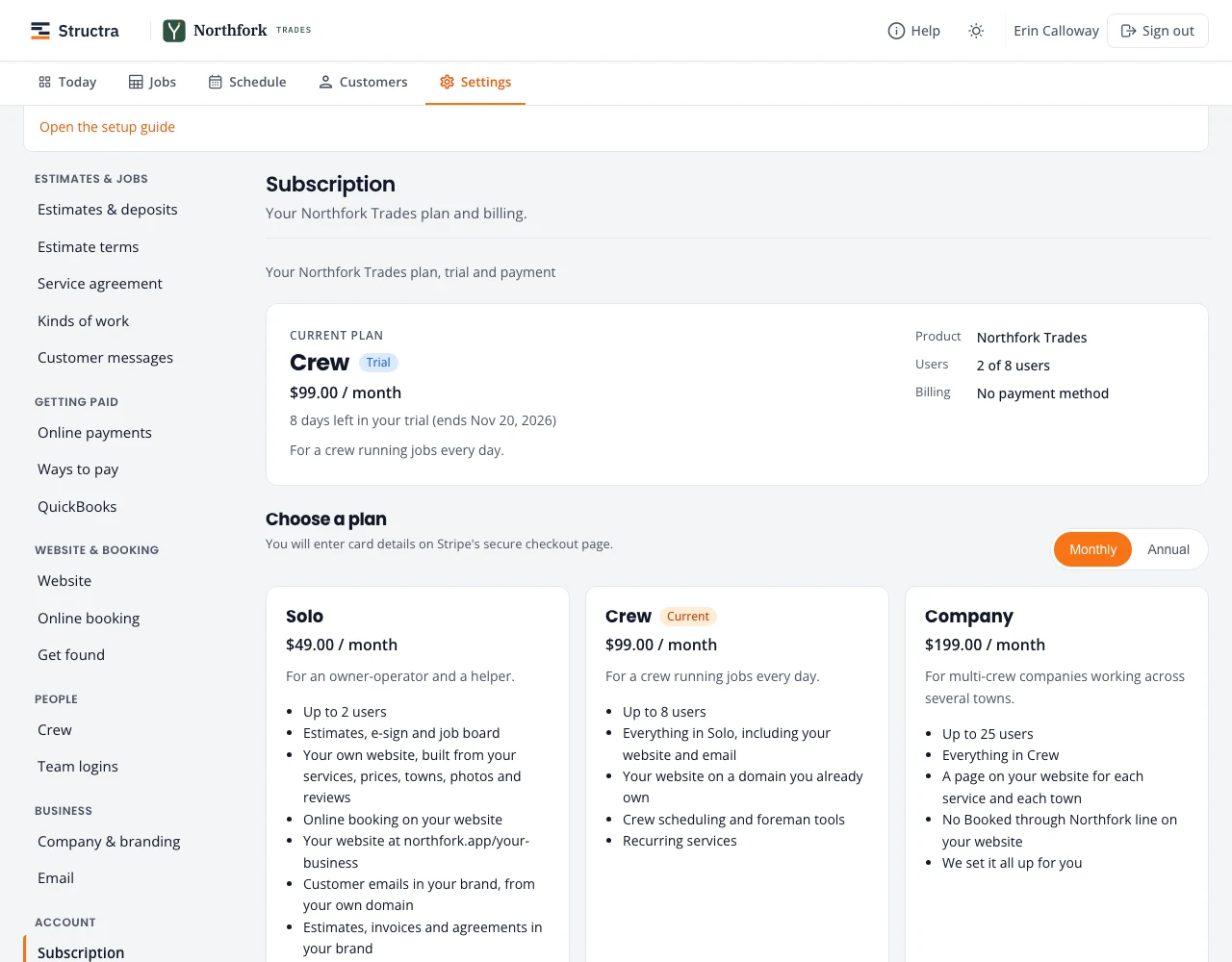
Your current plan, trial end date, users and billing, then the plans:
- Solo: for an owner-operator and a helper, up to 2 users.
- Crew: for a crew running jobs every day.
- Company: for multi-crew companies working across several towns.
Pick monthly or annual, choose a plan, and enter your card on Stripe’s checkout page. Change plan or card later from the same page. Prices are on the Northfork Trades pricing section.
Signed-in devices
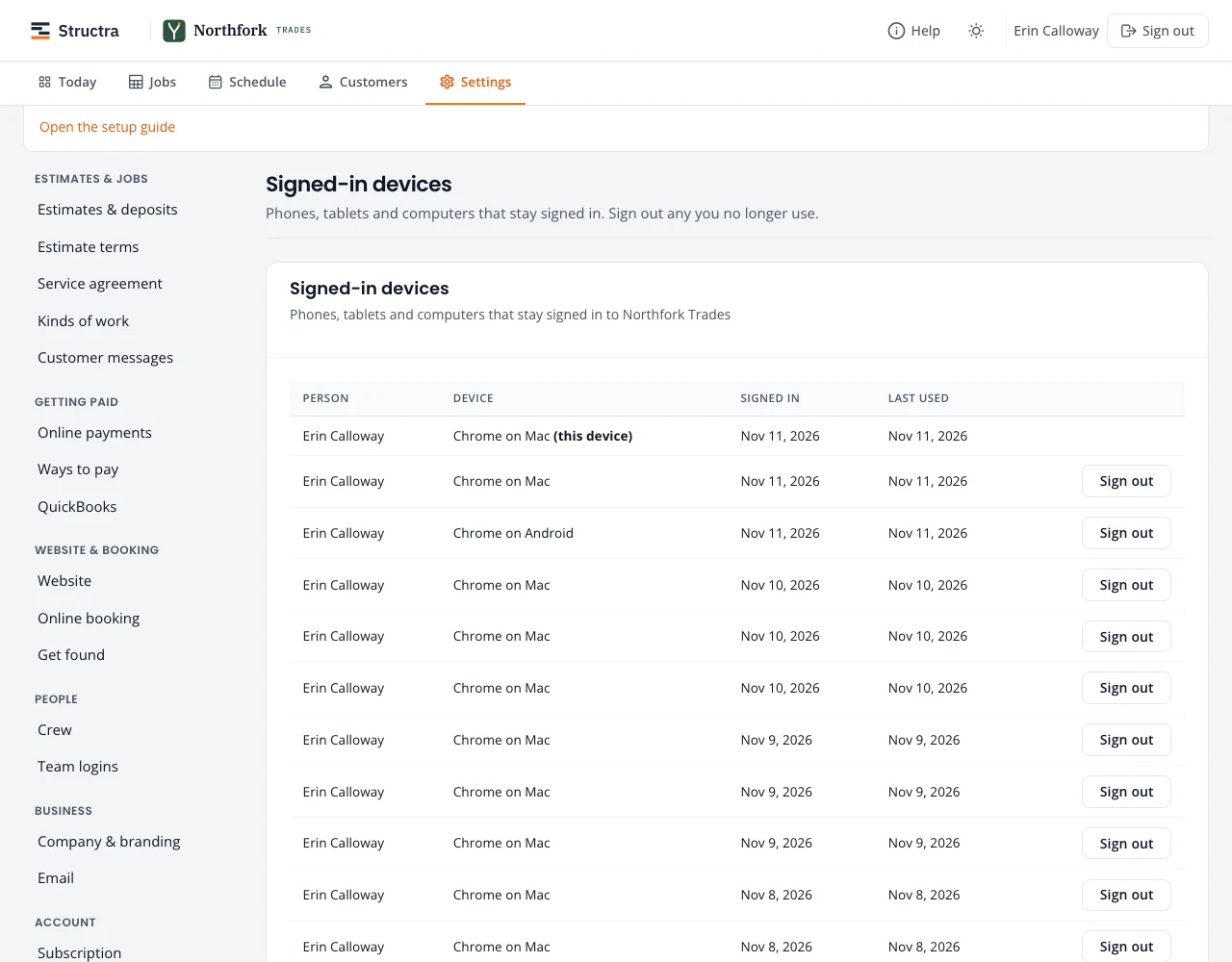
Every phone, tablet and computer that stays signed in, for everyone in your company, with when it signed in and was last used. Press Sign out on any you no longer use, or Sign out my other devices.
- Lost a phone? Sign it out here.
- Someone left? Deactivate their sign-in under Team logins or Crew; their devices stop working.
Stuck on something? Email support@northforktrades.com and tell us what you were trying to do.